

Wallet Check
Make sure your Maya wallet is active and the mobile number is correct before creating a deposit or withdrawal.
The 010PH Maya page is for Filipino mobile users who use Maya wallet for payment access. Here you can find clear reminders for deposits, withdrawals, wallet matching, pending transactions, receipt checking, account security and responsible payment control before using Maya on 010PH.
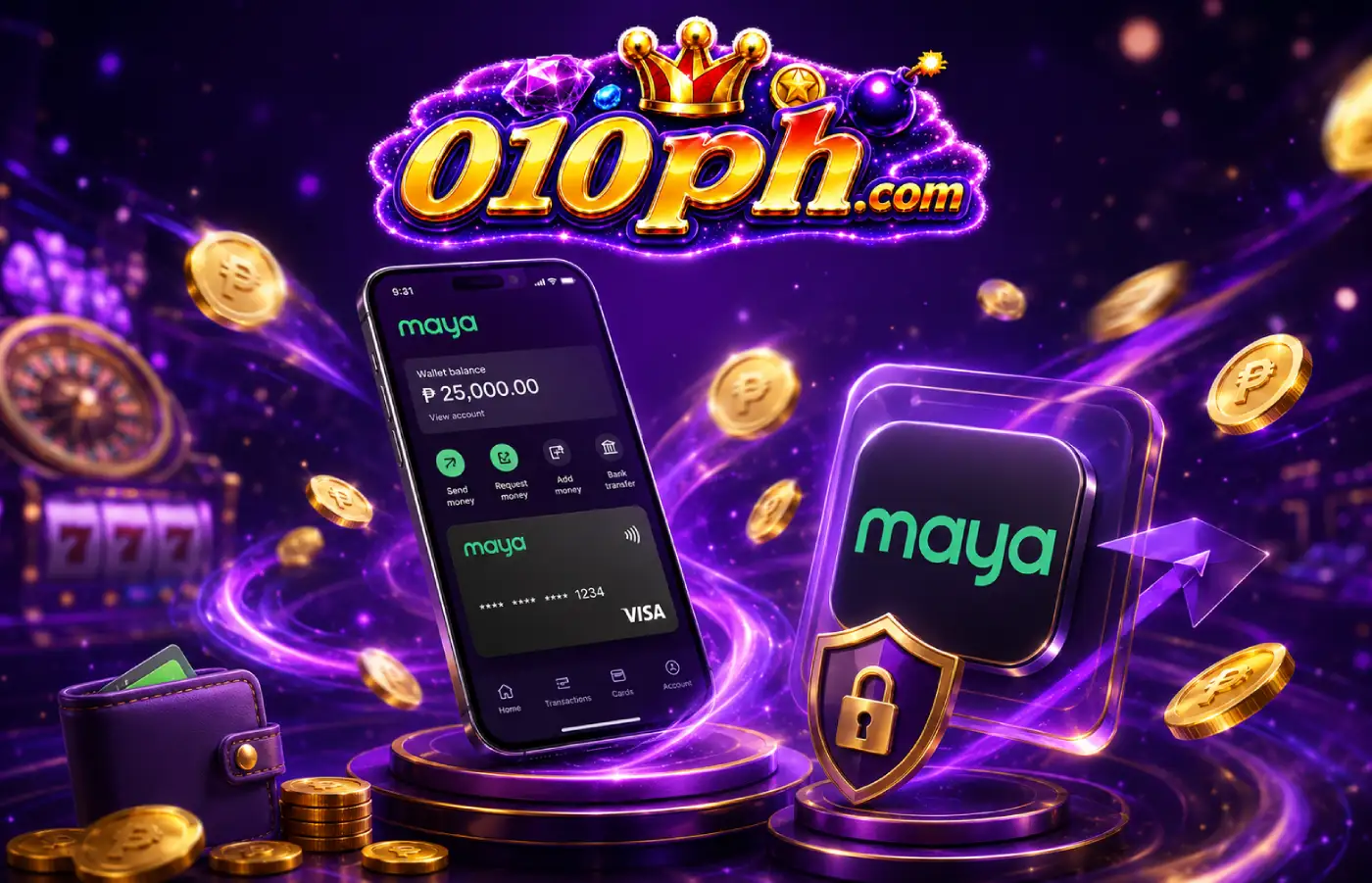
Before using Maya on 010PH, check your account access, wallet details, amount, reference number and transaction instruction.
Make sure your Maya wallet is active and the mobile number is correct before creating a deposit or withdrawal.
Save the receipt, reference number, amount and time so the transaction can be reviewed more clearly if there is a delay.
Never share your Maya PIN, OTP, password or recovery code with any person or chat support.
The 010PH Maya page provides practical guidance for users who want to use Maya as a mobile wallet access option. In the Philippines, many users are familiar with digital wallets for fast payment actions. However, even when a wallet is fast, every detail still needs to be checked carefully. Before creating a deposit or withdrawal, make sure the account, wallet number, amount, reference and instruction inside the 010PH account are correct.
The most important rule for Maya access is not to use random payment links. If someone sends a link through chat, comments, group posts or private messages, do not click immediately. The payment section should be opened from official 010PH access and the correct account dashboard. When the wrong link is used, the wallet details or instructions shown to you may also be wrong.
Before confirming payment, read the instruction first. If an exact amount is required, do not change the amount. If there is a reference format, follow it. If there is a valid time, check that it has not expired. A small typo in the amount, reference or wallet number may cause a delay and require support review.
Use the official access button for the Maya payment section.
Before using Maya, make sure you are logged in to the correct 010PH account. Check your username, profile details and account status. If another account is open, do not continue with the payment request. Log out first and enter the correct account. A payment action should always be linked to the correct user account so review is easier if an issue appears.
Also check whether the Maya app is working properly. If Maya itself has maintenance, login issues, wallet limitations or verification problems, fix those first before using it on 010PH. When the wallet app already has an issue, the payment action on the platform may also be delayed. It is better to make sure the wallet is stable before starting.
Use your own mobile data or trusted Wi-Fi when making a payment. Avoid public Wi-Fi because it can create privacy and account access risks. If the signal is weak while confirming, the page response may be slow or the transaction status may not appear immediately.
When making a Maya deposit, first read the instruction inside your account. Check the destination wallet, amount, account name, reference number and any special note. Do not send payment if the instruction is unclear. If you are unsure, it is better to ask official support first instead of sending funds to the wrong wallet.
After sending payment, save the receipt or screenshot. The amount, time, reference number and wallet details should be visible. If there is a delay, the receipt is one of the most important proofs for transaction review. Do not edit the screenshot because this may create a verification issue.
If the deposit is not credited immediately, check the transaction status inside the 010PH account and the Maya app. Sometimes delays happen because of wallet processing or a verification queue. Do not create another deposit request while the first status is still unclear.
For withdrawals, make sure the wallet number, account name and amount are correct. If the number is wrong or account details do not match, a delay may happen. Before submitting, read the withdrawal instruction and check whether there is an active promo condition, VIP condition or account verification requirement.
If a bonus or promo is involved, there may be requirements before the reward can be withdrawn. Do not assume that all balance is immediately withdrawable. Read the promo rules, turnover condition, valid period and account requirements. If something is unclear, use the support page before creating the request.
If the withdrawal is pending, do not create another request repeatedly. Check the status and normal processing time. When contacting support, include the username, amount, request time and wallet number. Do not share your Maya PIN, OTP or password.
| Maya Step | What to Check | Reminder |
|---|---|---|
| Before deposit | Amount, wallet number, account name | Use only details from the official account page |
| After payment | Receipt, time, reference number | Save clear proof |
| Before withdrawal | Wallet number, account status, requirements | Double-check before submitting |
| When pending | Status, processing time, reference | Do not create many requests |
| Support request | Username, amount, time, reference | Never share PIN or OTP |
When a Maya transaction is pending, do not panic immediately. First check whether the payment appears inside the Maya app, whether a receipt is available, and whether the reference number is correct. Then check the status inside your 010PH account. A delay may happen because of wallet processing, network traffic, verification queue, mismatched amount or incomplete reference details.
If you need to report the issue, create one clear support message. State whether the issue is a deposit or withdrawal, then include the amount, transaction time, username and reference number. If there is a screenshot, include it only if it is clear. Do not send your Maya PIN, OTP, password or recovery code. Sensitive wallet details are not needed for transaction review.
If someone messages you claiming they can speed up a pending transaction in exchange for a fee, OTP or wallet PIN, do not continue. Use only the official support channel shown on the 010PH page.
Your Maya PIN is private information. It should never be given to anyone, even to someone claiming to be support. The same applies to OTP and recovery codes. If an OTP arrives on your phone, use it only on the official verification page when you personally requested it. Do not send it through chat, Telegram, Facebook message or a support form.
Be careful with fake pages that look like wallet login pages or 010PH payment pages. Check the spelling, logo, domain and instruction. If something looks unusual, do not login and do not enter wallet details. It is safer to return to the official access button than continue on a page you are unsure about.
Payment review is easier when 010PH account details and Maya wallet details are consistent. If the mobile number and account name clearly match, the transaction is easier to check. If details are different, additional verification may be required. Before using Maya on 010PH, check that the personal details in the account are correct.
If wallet information needs to be updated, use the official account settings or support process. Do not give new wallet details through a random chat. Also do not provide OTP just to “update” a wallet unless it is part of an official process you started yourself.
Some promos or VIP rewards may be connected to deposit activity. Before using Maya for a promo, read the rules. Check whether there is a minimum deposit, valid time, eligible account, turnover requirement and reward release rule. Do not send an amount based only on a screenshot or another user’s message.
If a VIP reward is involved, check the VIP page or account dashboard to see how it is recorded. Do not pay anyone who says they can release the VIP reward in exchange for a fee, PIN or OTP. Reward release should come from the official account system or support confirmation.
Because Maya is fast to use, personal budget control becomes more important. Before depositing, make sure the amount will not affect bills, food, family needs, tuition, rent or emergencies. If the money is needed for something important, do not use it for game activity.
Do not deposit to chase losses. When emotional, stressed or rushed, it is better to rest before making a payment decision. Responsible play begins with payment control and clear personal limits.
Maya reminder: The main 010PH Maya access button on this page goes through /go/. Use official access and do not click random payment links from unknown sources.
The 010PH Maya page is for mobile wallet users who want to understand payment access, deposit reminders, withdrawal checks and the support process.
Open the official access button, login to your 010PH account, go to the payment section, and follow the Maya instruction inside your account.
Check the amount, wallet number, account name, reference details, valid time and payment instruction before confirming.
Check the status, receipt, reference number and transaction time. Do not create repeated requests while the status is still unclear.
No. Never share your Maya PIN, OTP, password or recovery code with anyone. Only non-sensitive transaction details should be provided.
Use the official button for Maya payment access.